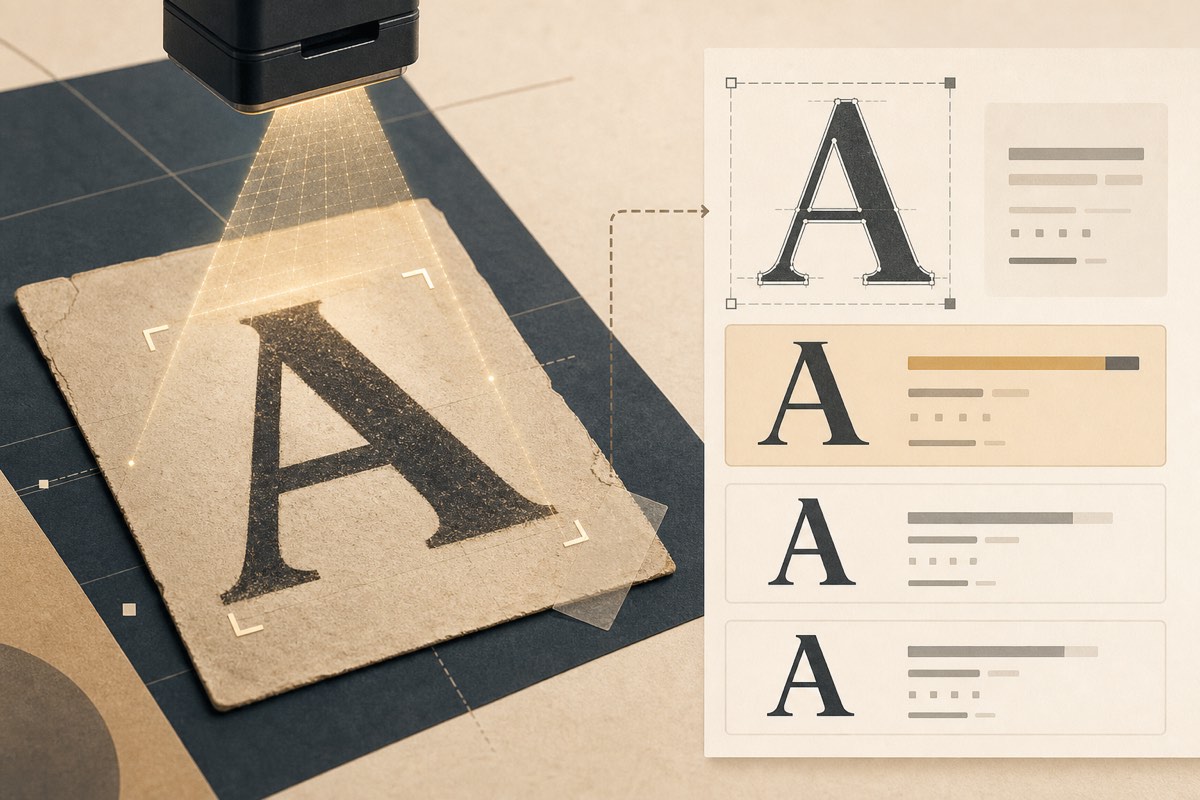
When You Need Visual Font Identification
Common scenarios:
- A client sends a screenshot: "We want this font"
- You are analyzing a competitor's landing page from a design mockup
- A logo uses custom lettering and you need the closest match
- An old PDF or scan lacks font metadata
Visual identification answers "what is this typeface called?" — a different question from "is my website licensed to use it?"
Manual Identification Tips
Before using tools, look for clues:
- Letter shapes — double-story "a", spur on "G", tail on "Q"
- Weight contrast — geometric vs humanist proportions
- Distinctive characters — "f", "t", "R" often identify families
- Context — era, industry, and region narrow candidates
Automated Font Matching Tools
Several services compare uploaded images against font databases:
- FontScanner Image Scan — upload a screenshot or logo; matches are checked against our commercial catalog and flagged when a paid web license is likely. See Identify Fonts in Screenshots with FontScanner.
- WhatTheFont (MyFonts) — upload cropped text image
- Fontspring Matcherator — good for display type
- Adobe Photoshop — Match Font feature
Tips for Better Matches
- Crop tightly to one line of text
- Use high contrast (black on white works best)
- Avoid skewed, blurry, or heavily compressed images
- Submit multiple crops if the first result is uncertain
Identification ≠ Licensing
Finding that your screenshot uses Proxima Nova does not mean you can embed it on your website. You still need:
- A web font license or active Adobe Fonts subscription
- Verification that your license covers the weights and pageview volume in use
Think of identification as the first step in a workflow:
- Identify the typeface (visual match)
- Audit your site to see if it is already deployed — how to check what fonts a website uses
- License or substitute before going to production
When to Scan Instead of Match
If the question is "what fonts does our website use?" — do not guess from screenshots. Run a deployment audit that reads actual CSS, font files, and CDN requests across your entire domain.
Visual matching is for inspiration and discovery. Crawling is for compliance.
Conclusion
Image-based font identification is fast and accessible. Use it early in the design process — then audit your deployed site before launch to ensure every matched typeface is properly licensed.