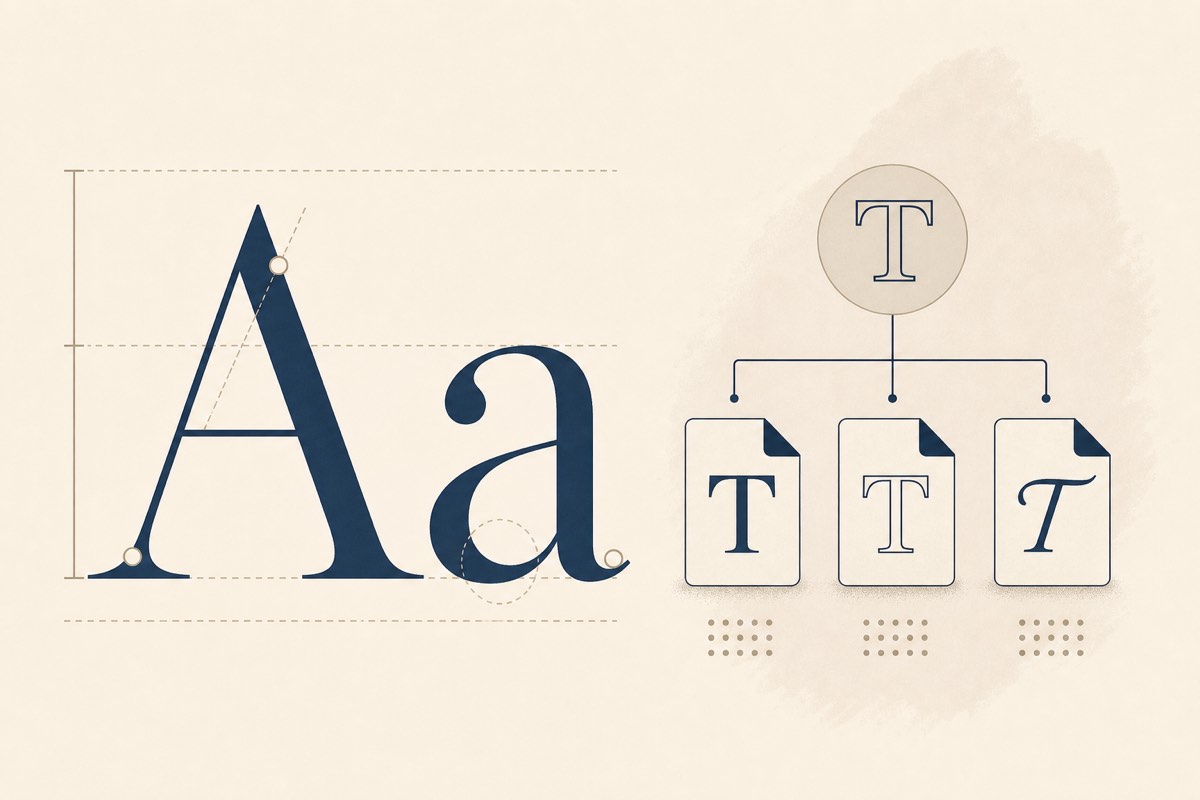
Two Terms, Often Confused
In everyday conversation, "font" and "typeface" are used as synonyms. In typography and licensing, they refer to distinct concepts — and mixing them up can lead to costly mistakes.
What Is a Typeface?
A typeface is the overall design of a set of characters. Helvetica, Times New Roman, and Inter are typefaces. They define the visual style: letter shapes, proportions, and personality.
What Is a Font?
A font is a specific implementation of a typeface at a particular weight and style. "Helvetica Bold 12pt" is a font. "Inter Regular" is a font. "Roboto Italic" is a font.
Think of it this way:
- Typeface = the family (e.g., Gotham)
- Font = a member of that family (e.g., Gotham Medium)
Why Does This Matter for Licensing?
Font licenses are typically sold per font file or per family, not per typeface concept. When you purchase a license for "Helvetica Neue," you may get access to specific weights — but not necessarily all of them.
Common licensing scenarios:
| Purchase | What You Get |
|---|---|
| Single font license | One weight/style (e.g., Regular only) |
| Family license | All weights in the typeface family |
| Web font license | Embedding rights for website use |
| Desktop license | Use in design tools only — no web embedding |
Using Helvetica Bold when you only licensed Helvetica Regular is still a license violation.
On the Web
When CSS declares font-family: "Inter", sans-serif, the browser loads specific font files — each a separate licensed asset. A site using Inter Regular, Inter Medium, and Inter Bold is loading three distinct fonts, even though they belong to one typeface family.
Practical Takeaway
Before assuming you are covered, check:
- Which font files (not just typeface names) are loaded on your site
- Whether your license covers all weights and styles in use
- Whether the license permits web embedding specifically
Tools like FontScanner detect the actual font files in use across your site, not just the CSS family names.
Conclusion
Understanding the typeface/font distinction helps you communicate clearly with designers, read license agreements accurately, and avoid gaps in your font compliance. When in doubt, audit what is actually deployed — not what you think you licensed.