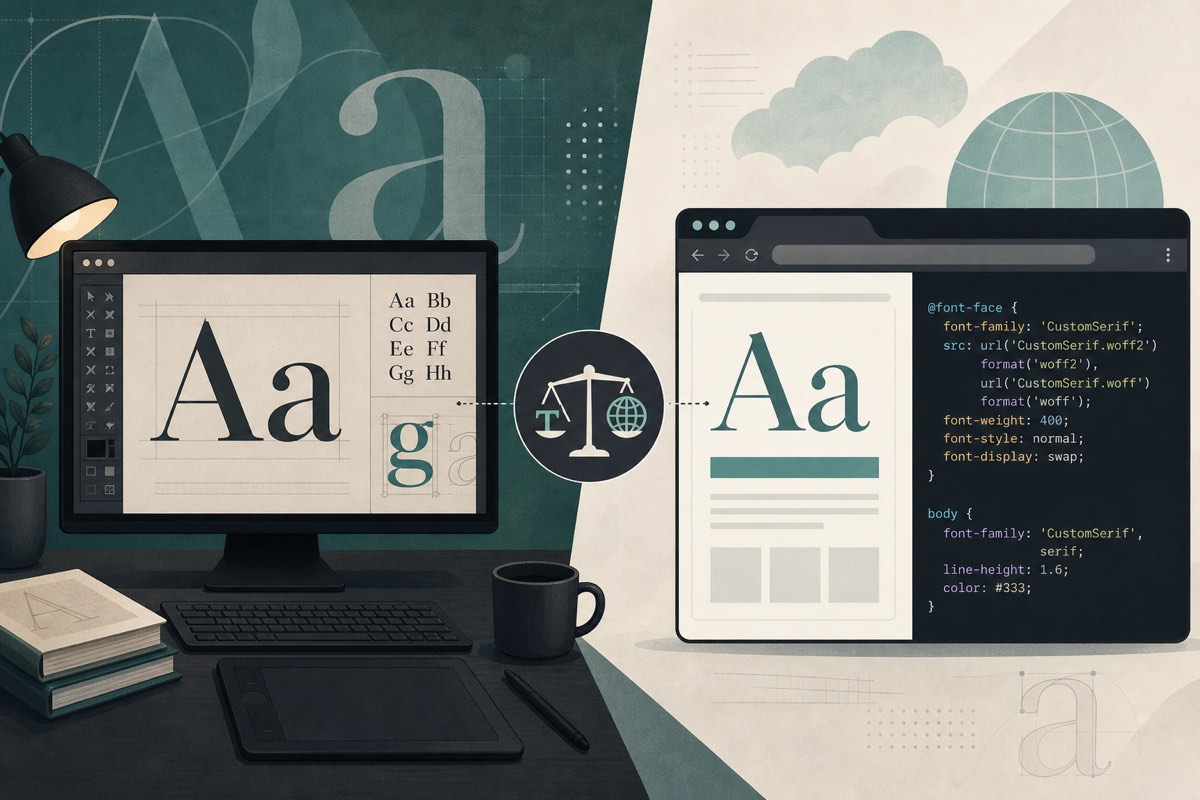
The Most Common Font Licensing Mistake
A designer buys a font from MyFonts or Adobe. They use it in Figma. A developer converts the files to WOFF2 and deploys them. Everyone assumes the purchase covers the website.
It usually does not.
Desktop and web licenses are separate products with different rights, pricing, and enforcement.
What a Desktop License Covers
A desktop license typically allows you to:
- Install the font on a limited number of workstations
- Create static designs: logos, posters, packaging, PDFs, mockups
- Export images or print files that embed the font outline as artwork
It typically does not allow you to:
- Serve font files to website visitors via
@font-face - Embed fonts in apps or software (that is often an app/OEM license)
- Redistribute the font files to clients or contractors without their own seats
What a Web Font License Covers
A web font license (sometimes called a webfont or CSS license) typically allows you to:
- Host approved font files (often WOFF/WOFF2 only) on licensed domains
- Serve them to browsers within a monthly pageview or unique visitor cap
- Use specific weights and styles listed in the license
Exceeding pageviews, using unlicensed weights, or hosting on extra domains can void compliance even if you "bought the font."
Side-by-Side Comparison
| Aspect | Desktop | Web |
|---|---|---|
| Primary use | Design & print | Browser rendering |
| Metric | Seats / computers | Pageviews / domains |
| File formats | OTF, TTF | WOFF, WOFF2 |
| Redistribution | Almost never allowed | Files served to browsers only |
| Typical buyer | Designer | Developer / site owner |
Why Agencies Get Caught
Handoffs often include a /fonts folder of desktop OTFs. Developers reasonably assume "these are the project fonts." Licensing firms scan live sites, match commercial file signatures, and send invoices — regardless of who made the mistake.
How to Stay Compliant
- Ask for the web license invoice or EULA before deploying any commercial font
- Prefer vendor kits that explicitly include webfont files
- Document domain + pageview limits in your project wiki
- Scan production after launch to confirm only licensed files are live
Conclusion
A desktop license is for making designs. A web license is for shipping fonts to the internet. Treat them as different products — because font vendors already do.