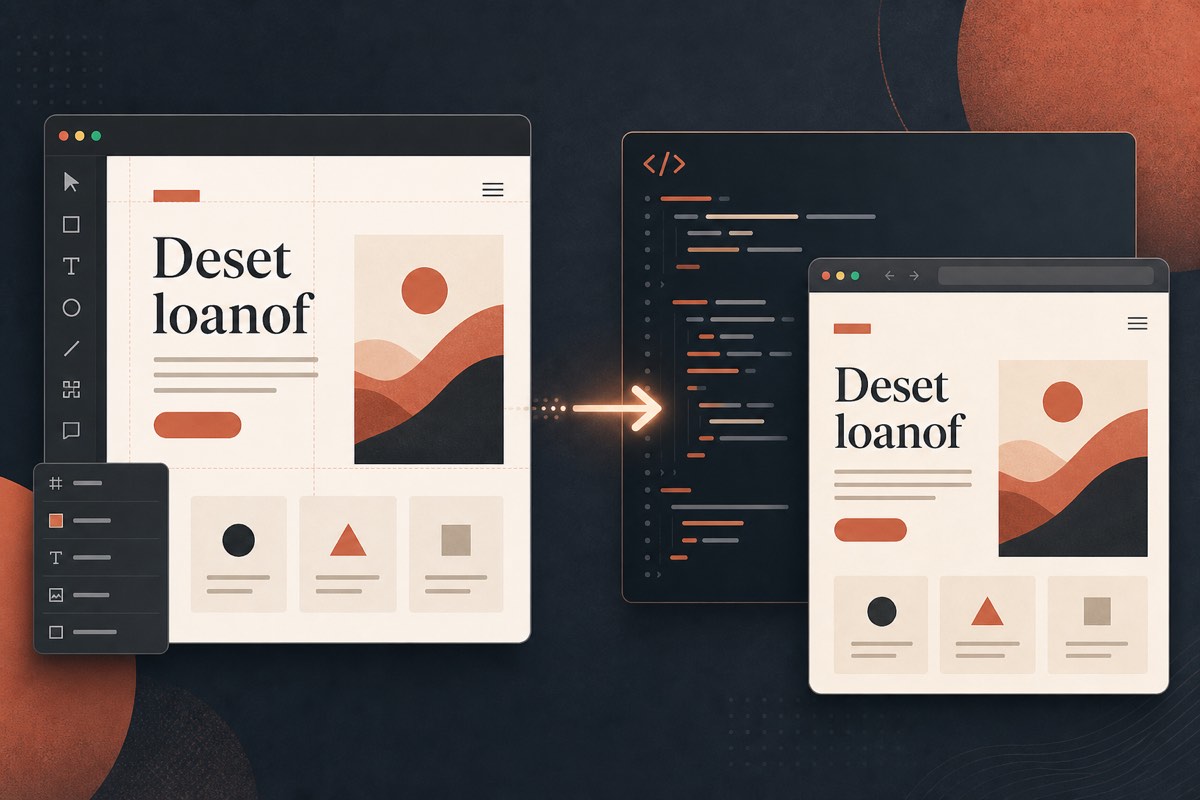
The Gap Between Mockups and Production
In Figma, a designer can apply any font installed locally or available through organization shared fonts. That preview proves visual intent. It does not prove web redistribution rights.
When developers export or match those styles with self-hosted files, licensing debt moves into production.
What Designers Should Deliver
Along with the Figma link, include a font license sheet:
| Field | Example |
|---|---|
| Family + styles | "Söhne Regular, Medium, Bold" |
| Vendor | Klim Type Foundry / retailer |
| License type | Web, 500k pageviews, 2 domains |
| Proof | Invoice PDF / Adobe Fonts project name |
| Approved alternative | Inter if license not purchased |
If a font is desktop-only for comps, label it "mockup only — do not implement."
What Developers Should Refuse
Do not accept a zip of .otf files as "assets" unless it includes:
- Explicit web license confirmation
- Allowed formats (usually WOFF2)
- Domain / traffic limits
No license sheet → do not deploy. Use the approved OFL fallback until purchasing catches up.
Shared Fonts in Figma Organizations
Figma's shared font features help teams stay visually consistent. They do not replace foundry EULAs for website embedding. Organization access ≠ web license.
Agency Contract Language That Helps
Add clauses such as:
- Client warrants they own or will purchase required web licenses
- Agency will not commit unlicensed fonts to production repos
- Launch requires a font scan report attached to the go-live checklist
A Practical Handoff Workflow
- Designer locks typography in Figma
- Producer confirms license purchases (or OFL choices)
- Developer implements only approved files
- QA runs a full-domain font scan on staging
- Mismatches block release
Conclusion
Beautiful Figma files are not a license. Close the handoff with paperwork and a scan — or you will ship someone else's typeface to every visitor.