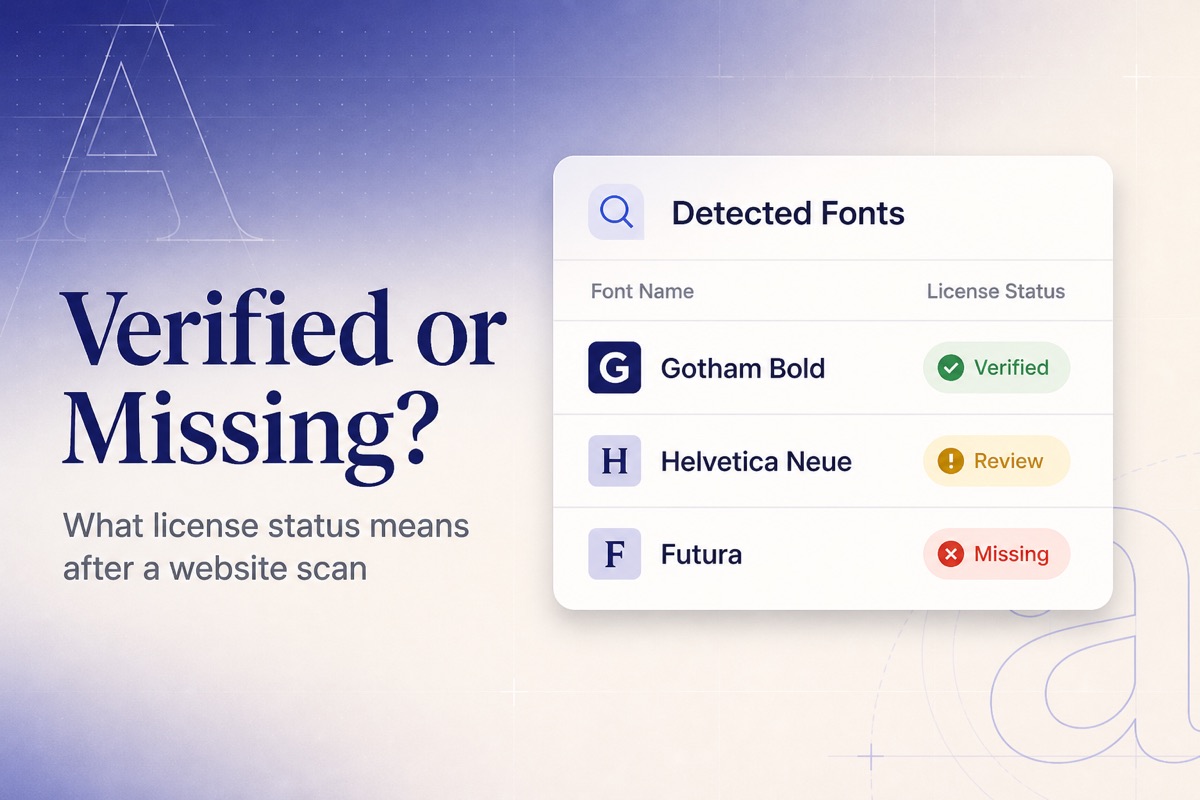
The Report Is Only Useful If Status Is Precise
A font list without a verdict creates busywork. Teams already know they “use some Helvetica.” What they need after a crawl is a decision: keep, buy, replace, or restrict to another domain.
FontScanner writes that decision as four statuses on commercial detections. Open-source families you are allowed to use still appear in the inventory; the match layer is for fonts that typically require a paid grant. Background: Free vs Licensed Fonts.
Verified
Meaning: You registered an active license whose normalized family name matches this detection, and the license either lists this scan’s host (or a parent domain) or has no domain restriction.
Typical case: Gotham web license for example.com, scan of www.example.com or app.example.com.
Next step: Keep using it. Confirm seats and renewal dates still match how widely the font is deployed. If renewal is soon, procurement — not design — owns the calendar.
Domain not covered
Meaning: You do have a license for the family, but this website is not on the covered-domain list.
Typical case: Desktop or a single-domain web license reused on a microsite, campaign subdomain you forgot to add, or a second brand.
Next step: Do not treat this as “we’re fine.” Either add the domain to a license that actually allows it, buy the correct web grant, or stop serving the files. This is the failure mode behind many Helvetica on the web surprises.
Missing
Meaning: No matching license record exists for this family.
Typical case: A theme bundled a commercial file, an agency left WOFF2s in /fonts, or nobody registered the purchase in the inventory.
Next step: Search invoices. If you find one, register the license and re-open the scan. If you cannot prove ownership, replace the typeface or purchase a web license before launch. See Commercial Fonts Used Without a License.
Unknown
Meaning: The viewer is not the scan owner. Public and shared reports hide vendor names, renewal dates, and documents.
Typical case: A client opened a share link. They should see that a commercial font was detected — not your Monotype account details.
Next step: If you are the owner and still see Unknown, you have not registered licenses yet (or you are looking at someone else’s public report). Log in and open My Font Licenses.
How Matching Decides
- Family normalization:
Gotham-Bold→ Gotham - Host normalization: strip
https://,www., paths - Subdomain coverage: license domain
brand.comcoversshop.brand.com - Empty domain list: treated as covering every site you scan (org-wide desktop/app style grants)
Matching is not a courtroom. It is a triage layer on top of detection. For legal conclusions, read the EULA: Font Licensing 101.
A Worked Example
Scan shop.acme.com finds:
| Detected | Status | Why |
|---|---|---|
| Gotham Bold | Verified | License “Gotham”, domains include acme.com |
| Helvetica Neue | Domain not covered | License exists, domains listed as brochure.acme.com only |
| Futura | Missing | No record |
| Inter | (catalog: open source) | Still confirm OFL terms if you self-host |
Two of those rows are launch blockers. One is a domain amendment. One is already fine.