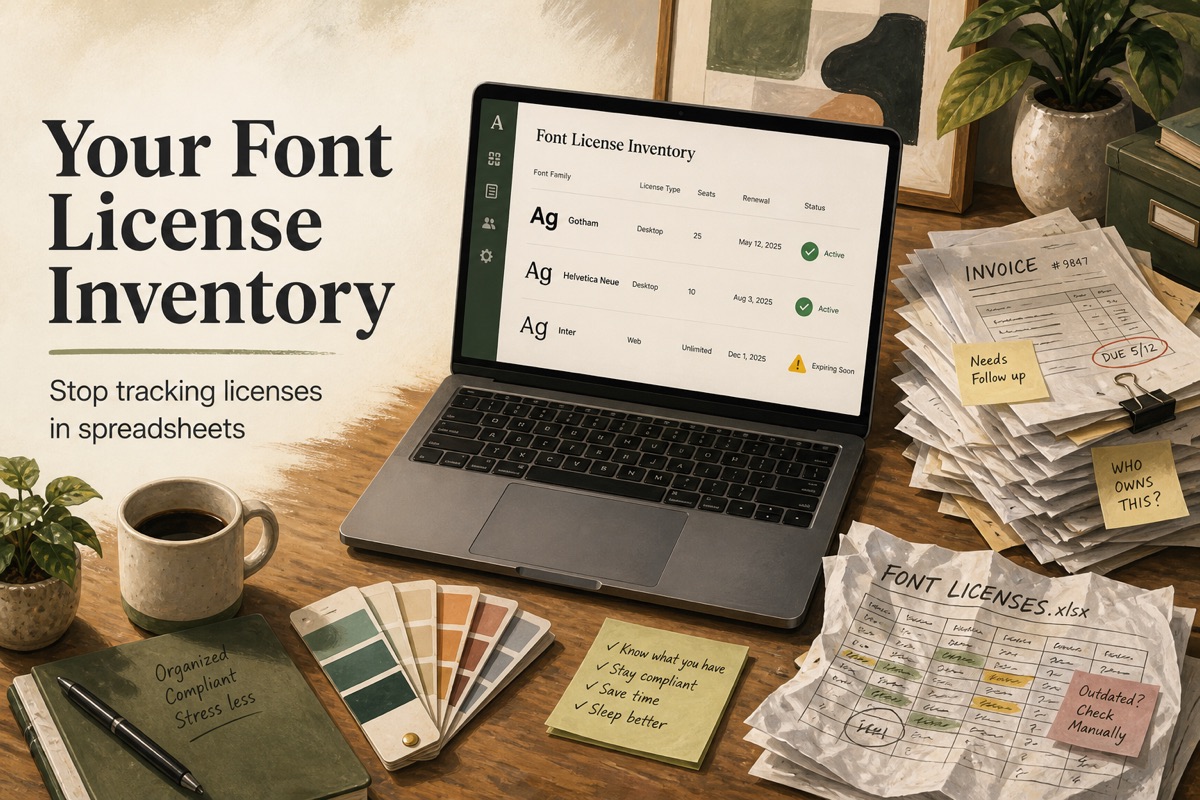
The Spreadsheet Everyone Inherits
It usually looks like this:
| Font | Vendor | Site | Notes |
|---|---|---|---|
| Gotham | Monotype? | marketing site | invoice in Drive somewhere |
| Helvetica Neue | — | shopify | theme came with it |
| Inter | all brands | free? |
Three months later the agency has rotated, the Drive folder is private, and production is serving a self-hosted WOFF2 nobody recognized. Spreadsheets fail font licensing for structural reasons, not because people are lazy.
Why Sheets Cannot Be the System of Record
1) They do not know what is live
A row that says “we use Inter” is not the same as fonts.googleapis.com plus a self-hosted Inter-Bold.woff2 that a developer added during a performance pass. You need a crawl. See Self-Hosted Web Fonts.
2) Names do not normalize
Gotham Bold, gotham-bold, and Gotham-Book are one family in procurement and three strings in Excel. Matching has to happen at the family level or you will double-buy and still miss a weight.
3) Domains are not optional
A web license is often per domain or per pageview. A desktop license is not a substitute. Putting “all websites” in a cell does not make it true. Read Desktop vs Web Font License.
4) Proof walks away
The PDF is the artifact an auditor wants. Links rot. Slack files expire. If the document is not attached to the license record, it does not exist for compliance purposes.
5) Access control is wrong
Finance should not paste vendor contracts into a public Notion wiki. License details belong behind the account that owns the scans — not on a shared marketing report.
What a Durable Inventory Looks Like
For each family you believe you own:
- Canonical name + vendor
- License type and seats
- Covered hosts (or an explicit “no domain restriction” for desktop/app)
- Purchase / renewal dates
- Attached proof (PDF/image)
- Active vs retired
Then bind that inventory to scans. When FontScanner finds Helvetica Neue on checkout.example.com, the report should say Verified or Domain not covered — not “please Ctrl+F the sheet.”
That is the product shape of Font License Compliance: register licenses, scan sites and PDFs, read the match.
Agency-Specific Failure Mode
Agencies often keep one sheet per client, then reuse a kit font on the next brand. The kit was licensed to Client A’s domain. Client B’s launch is now a cease-and-desist waiting to happen. Per-client inventories plus per-scan domain matching catch this before the case study goes live. Related: Agency Font Audit.
A 30-Minute Migration Off the Sheet
- Export unique family names from your last production scan.
- Create one license record per paid family. Skip open-source families you can document (OFL): SIL Open Font License.
- Attach whatever invoice you can find. Missing PDF → status stays Missing until recovered.
- Fill domains from the actual contract, not from memory.
- Scan again and triage Domain not covered separately from Missing.