When a URL is not enough
A client sends a JPEG of a landing page. A competitor’s type only exists in a paid ad. Brand guidelines live in a Figma export, not on a live domain.
A website crawl cannot see those pixels. Image scan can.
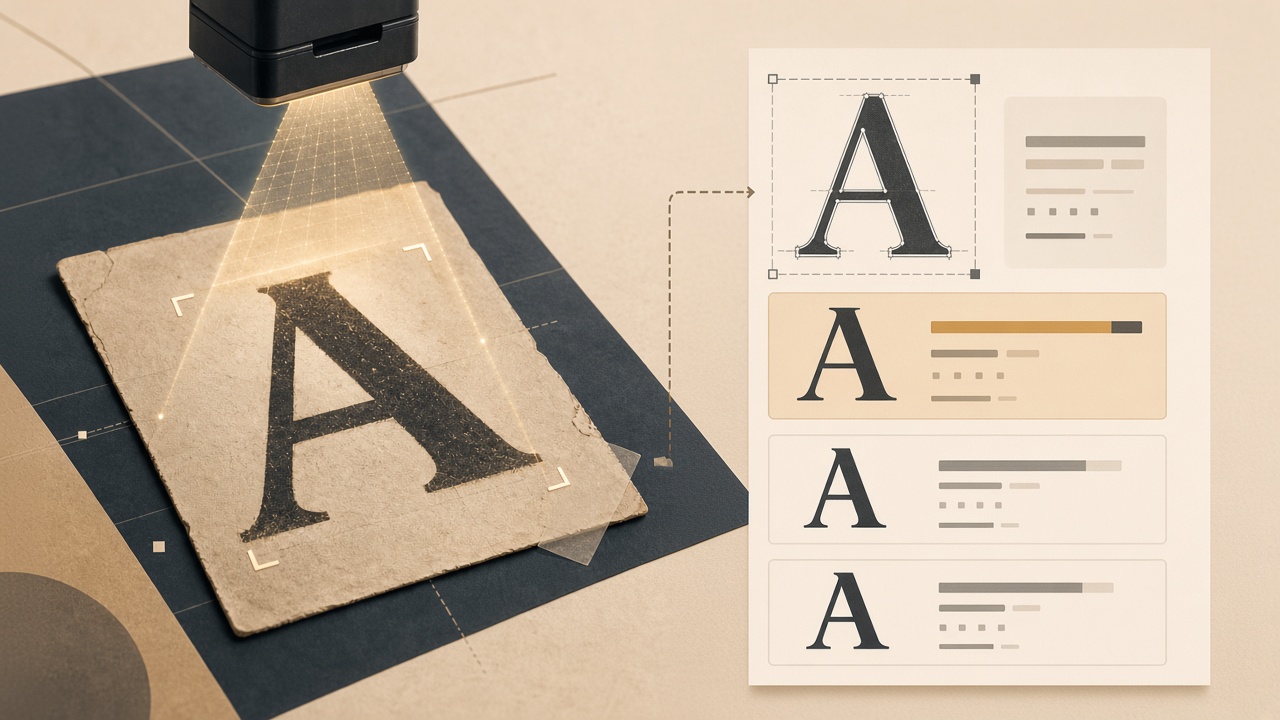
Upload a PNG, JPEG, WebP, or GIF (up to 5 MB). FontScanner matches the visible letterforms and checks every candidate against the same commercial catalog used on full-site reports.
What you get back
- Likely typeface names for the text in the crop
- Vendor and license type when the match is in the catalog
- Commercial flags — the same “this usually needs a paid web license” signal you see on a site scan
- A saved identification you can reopen from Scans → Image
Image scan answers what is this typeface? A full website crawl answers is it deployed on our domain? Use both when a mockup is about to become production CSS.
How to get a clean match
- Crop tightly to one line of text — a logo wordmark, a headline, a UI label
- Prefer high contrast (dark on light works best)
- Avoid heavy compression, skew, or decorative outlines
- Add an optional hint (“logo”, “headline”) so the history stays searchable
If the first crop is noisy, try a second crop of a different word. Distinctive letters — a, g, R, Q — identify families faster than a full paragraph.
Credits and limits
Image identifications use a daily limit, not a scan credit. Website and PDF scans still cost 1 credit each. That split is deliberate: visual matching is for discovery; crawls are for compliance.
The same image job is available from the developer API (POST /api/ci/scans/image) if you want mockup checks in a design pipeline.
Image scan vs website scan vs a tab-side check
| Need | Use |
|---|---|
| Type in a photo or mockup | Image scan |
| Fonts on a live homepage, no account | Quick website scan |
| Fonts on the tab you already have open | A font-identifier browser extension |
| Every page, PDFs, license inventory | Full audit from the homepage |
Identifying Proxima Nova in a screenshot does not license it for the web. If the match is commercial, register the license or substitute an open family before anyone writes @font-face. Background: How to identify a font from an image.
Conclusion
Screenshots are how type travels between teams. Image scan turns that JPEG into a named family and a license flag — then a crawl tells you whether the same files already shipped.