Finding a Font Is Not the Same as Owning It
Most teams can list the typefaces on a homepage. Far fewer can answer, under audit:
- Who sold us this license?
- Which domains does it cover?
- Is it a web license or only desktop?
- Where is the PDF?
That gap is font license compliance: discovery plus an inventory of licenses you actually hold. If you have ever opened Font Cease and Desist Letters, you already know the letter asks for proof — not a screenshot of font-family.
The Two Layers of a Real Audit
1) What is live
A crawler (or a PDF extract) tells you which files and families are actually served. Catalog matching tells you which of those are typically commercial. See How to Audit Fonts on Your Website and Legal Risks of Unlicensed Fonts.
2) What you own
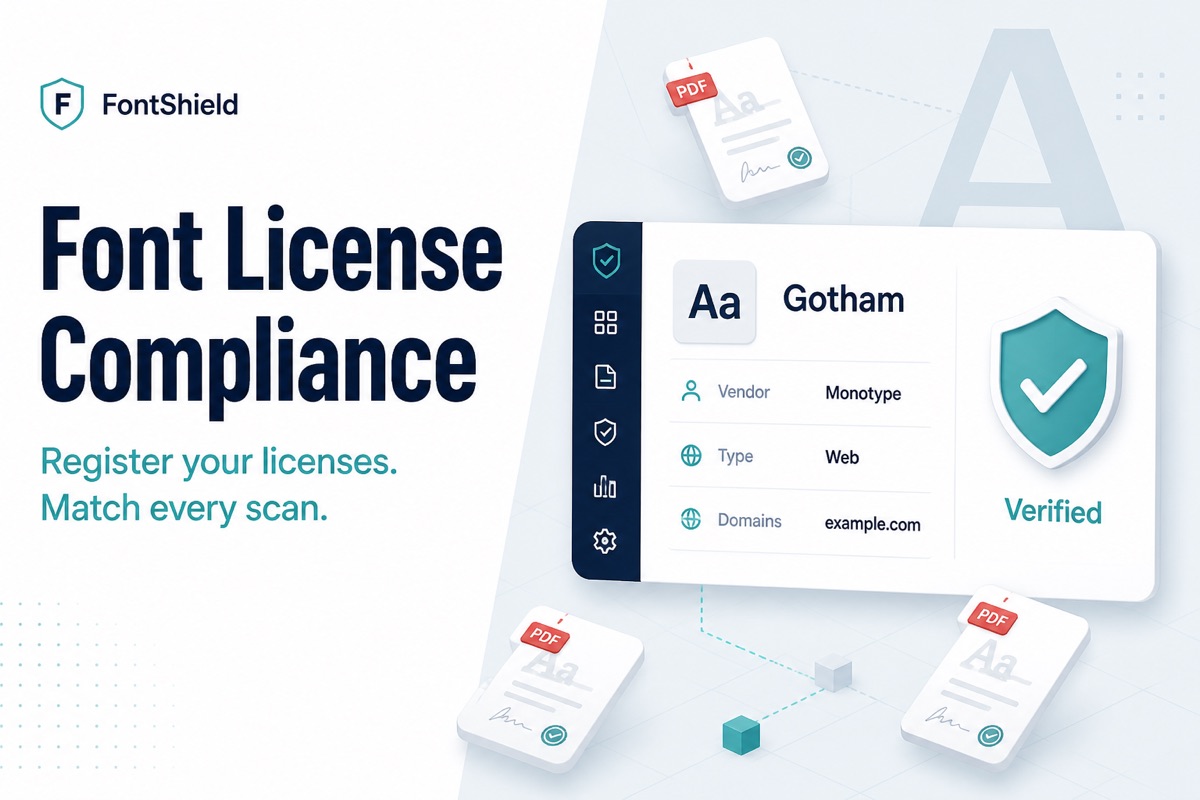
A license record is not a vibe. At minimum it should store:
- Font family name (Gotham, not only Gotham Bold)
- Vendor (Monotype, Adobe, Hoefler, an agency)
- License type (web, desktop, app, server, enterprise, open source)
- Covered domains (or “all domains” for an org-wide desktop/app grant)
- Purchase and renewal dates, seats
- Proof of purchase (invoice or EULA PDF)
FontScanner’s Font License Compliance workflow is built around that second layer.
How Automatic Matching Should Work
Name matching has to be family-level. A scan that finds Gotham Bold should hit a license registered as Gotham. Domain matching has to be host-level: a license for example.com should cover www.example.com and app.example.com, but not otherbrand.com.
Statuses that are actually useful:
- Verified — you have a license and it covers this scan’s domain
- Domain not covered — you licensed the family, but not this site
- Missing — no record; review before launch
- Unknown — public/shared reports must not leak vendor names
The last point matters. Compliance tooling that publishes your Monotype invoice on a public report is worse than no tooling.
A Practical Checklist
- Scan production, not only staging. Themes and tag managers load fonts you never chose.
- Register every paid family you believe you own — including leftover agency purchases.
- Attach the PDF. If you cannot find it, treat the font as Missing until procurement recovers it.
- Re-scan after a redesign. Matching is only as current as the last crawl.
- Export the report for legal or the client. Discovery without a paper trail still fails an audit.
Scan a site, then register your first license →